🔐
EncryptPath
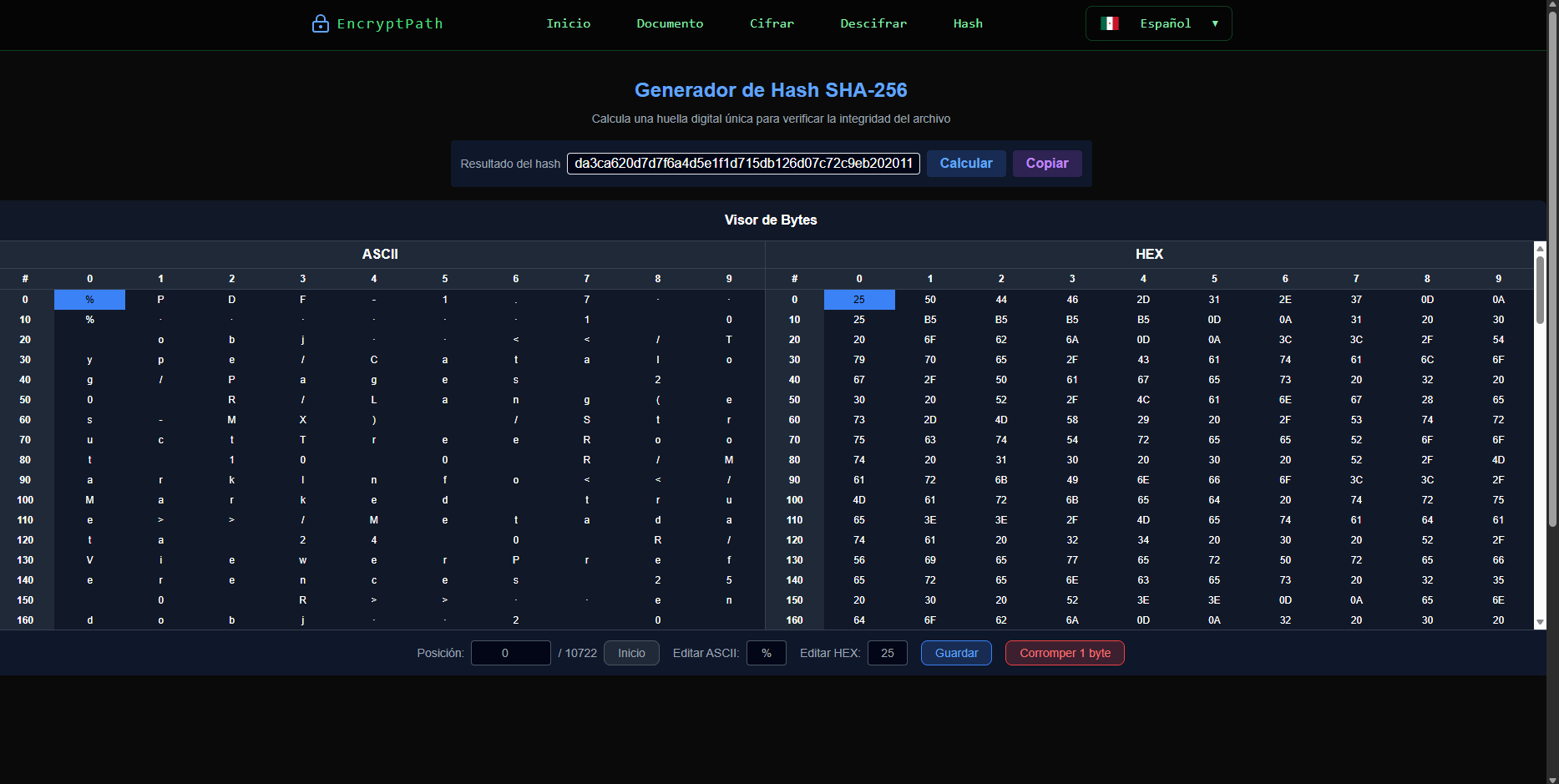
This system allows you to upload files, visualize their bytes in ASCII and HEX format, encrypt them using a password, and later decrypt them. It also includes SHA-256 hash generation to verify integrity.
🔐 Tutorial: Encrypt a file
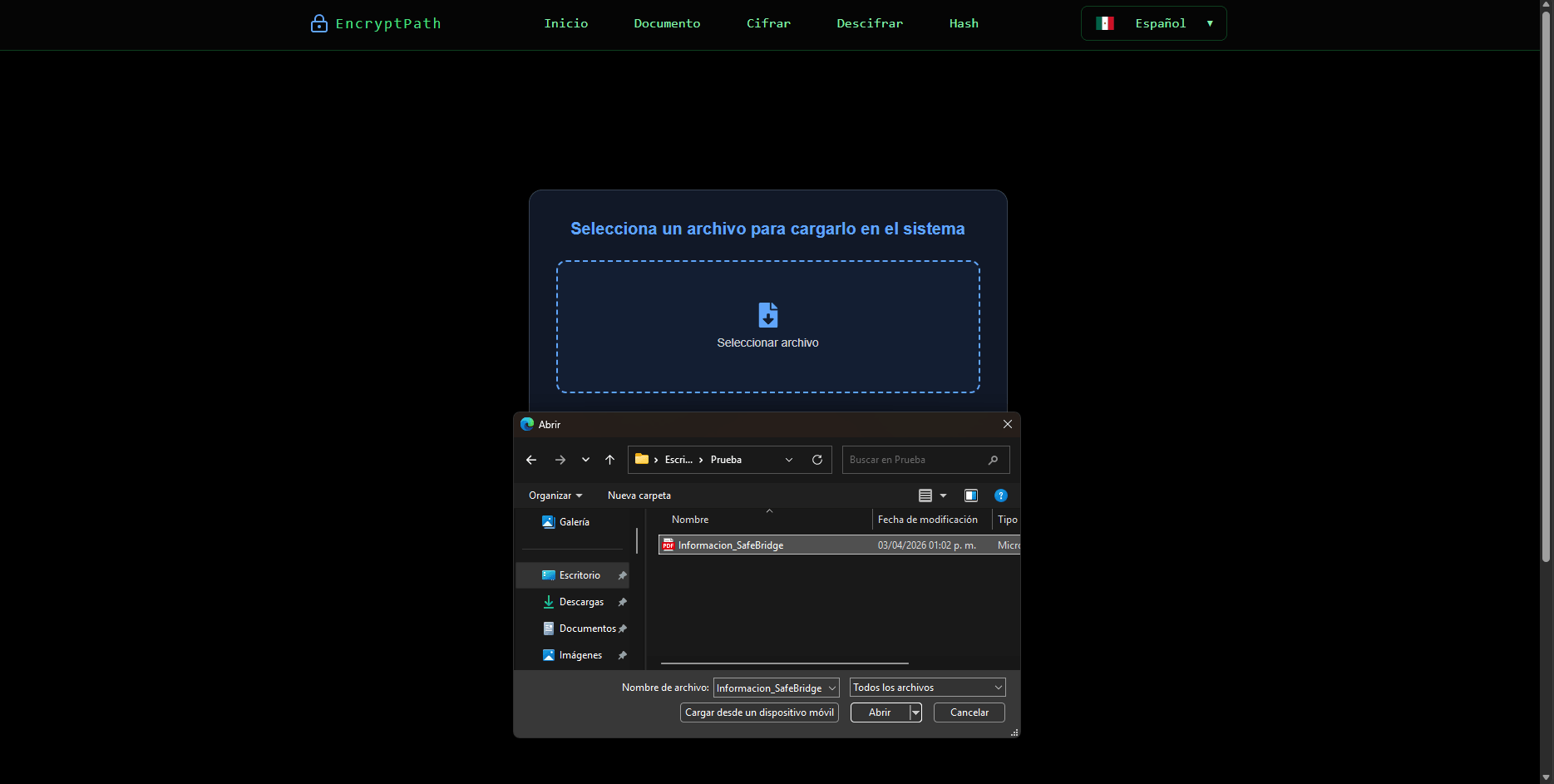
Step 1: Select file
Click "Select file" to choose a file from your device.
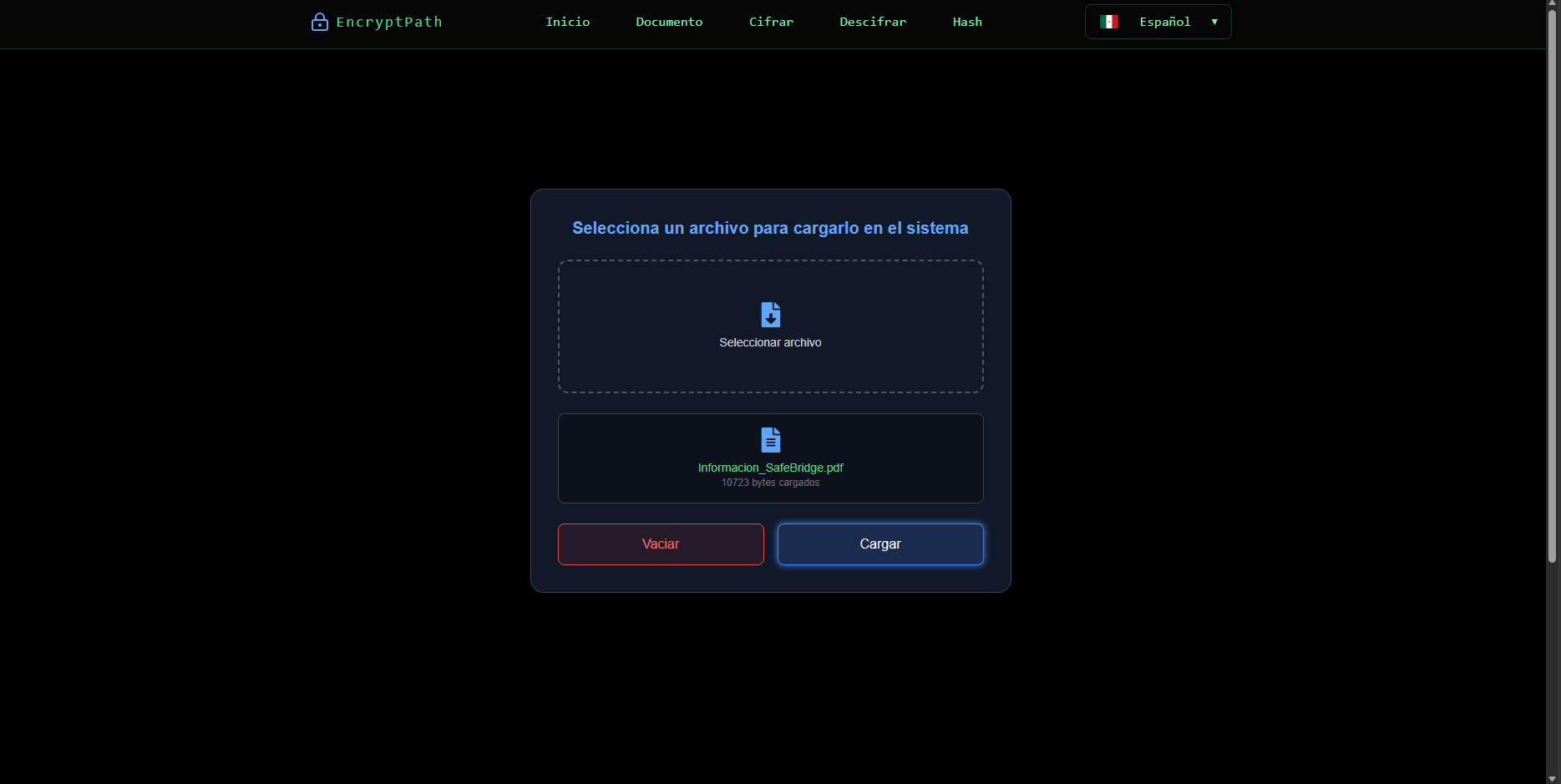
Step 2: Load file
Press the "Load" button to convert the file into bytes within the system.
Step 3: Go to Encrypt file
Go to the encryption section and enter a password. You can use the ASCII and HEX tables to: • Manually modify the file bytes • Analyze how the information changes • Understand the internal representation of the file

Step 4: Encrypt file
Press the encrypt button to transform the bytes using your password.

Step 5: Download encrypted file
Download the encrypted file to store or share it.

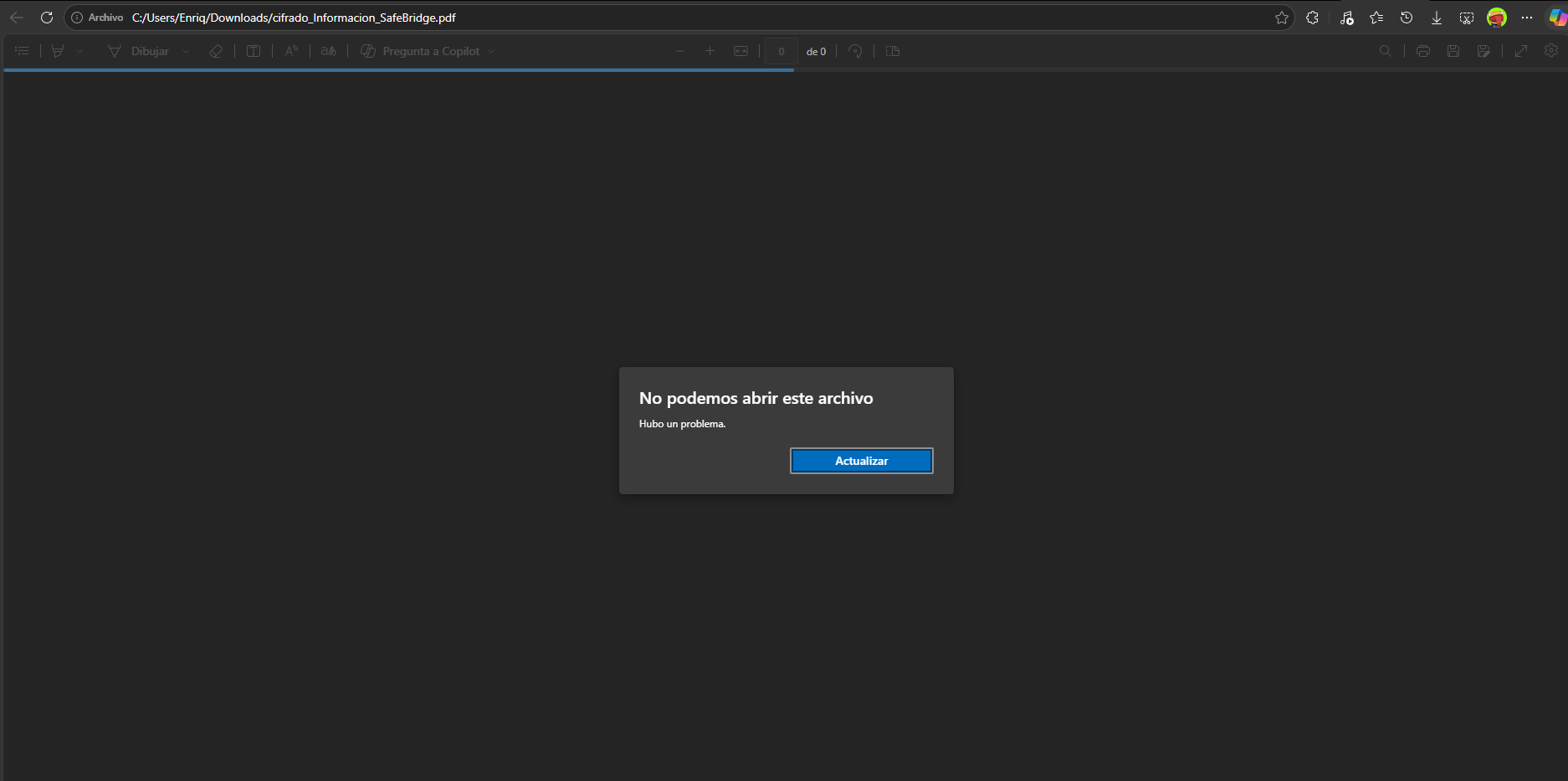
Step 6: Review file
Review the encrypted file and compare it with the original.
🔓 Tutorial: Decrypt a file
Step 1: Load encrypted file
Load the previously downloaded encrypted file. If there is data loaded, clear it first.
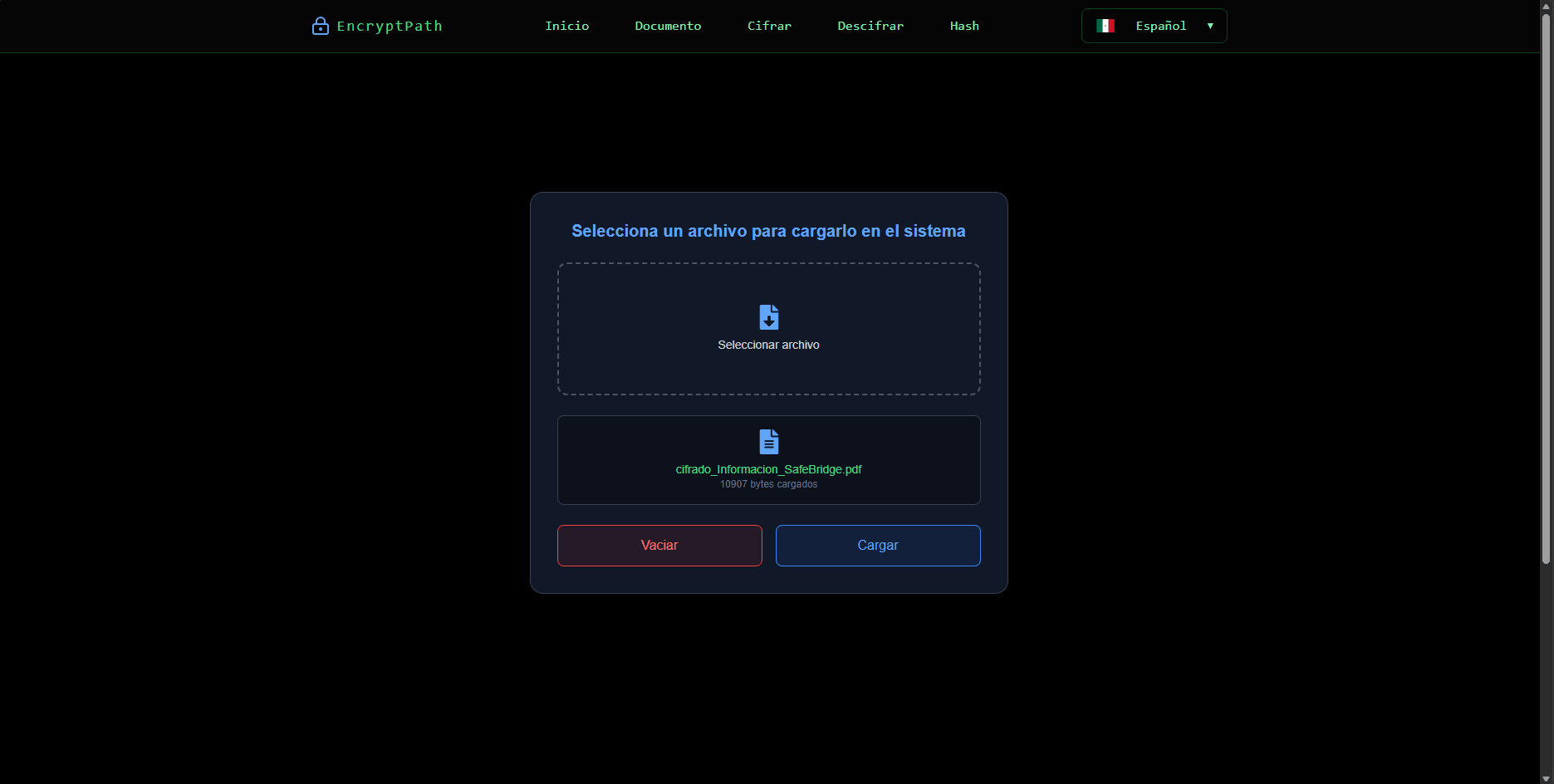
Step 2: Decrypt encrypted file
Enter the same password used during encryption and press decrypt. If the password is correct, you will recover the original file.

Step 3: Download decrypted file
Download the decrypted file to store or share it.

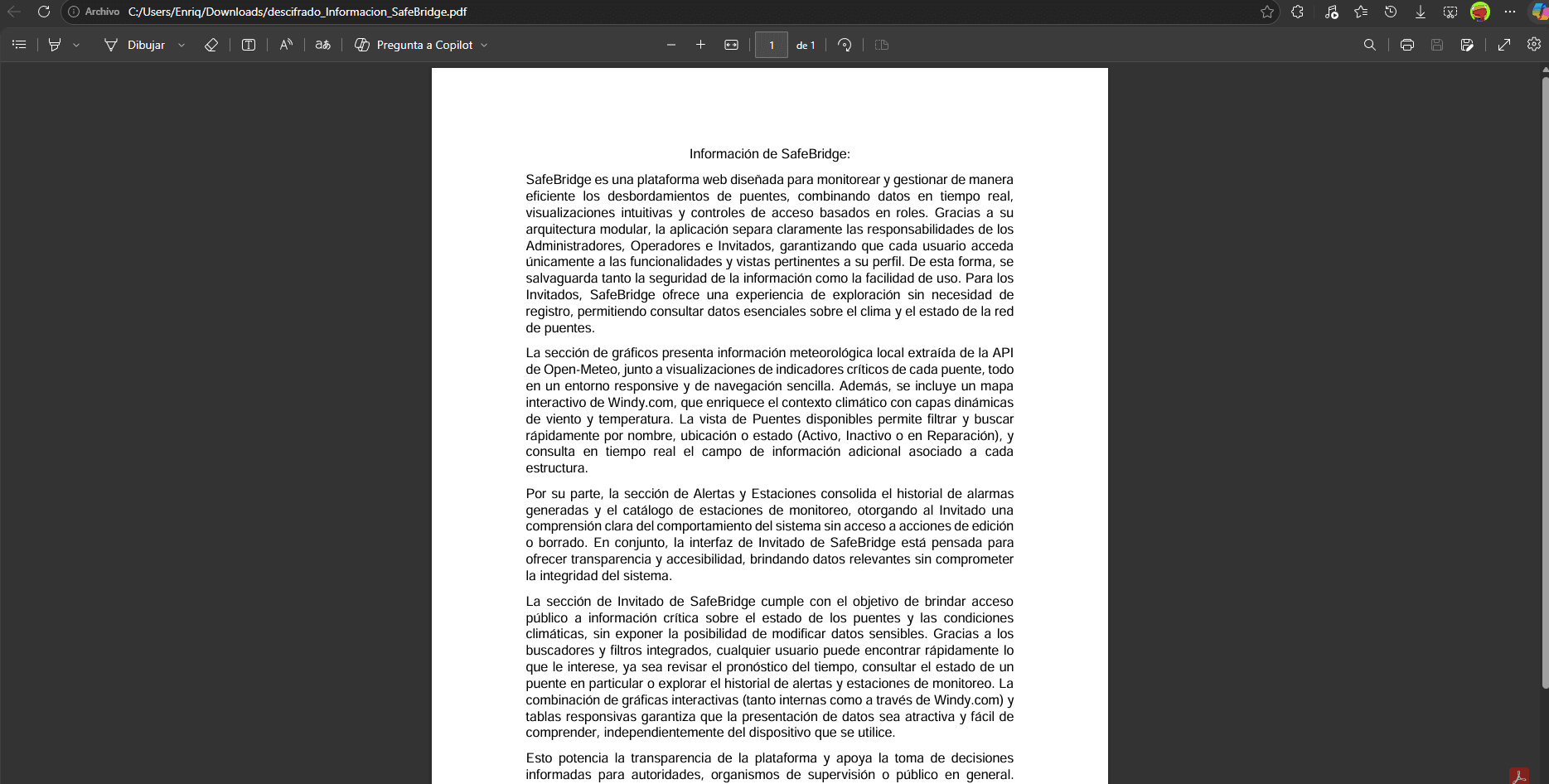
Step 4: Review decrypted file
Review the decrypted file and compare it with the original.
# Hash (SHA-256)
The hash generates a unique fingerprint of the file. It is used to: • Verify integrity • Detect changes • Compare files You can modify a single byte of the file and you will see how the hash changes completely, demonstrating sensitivity even to minimal changes.